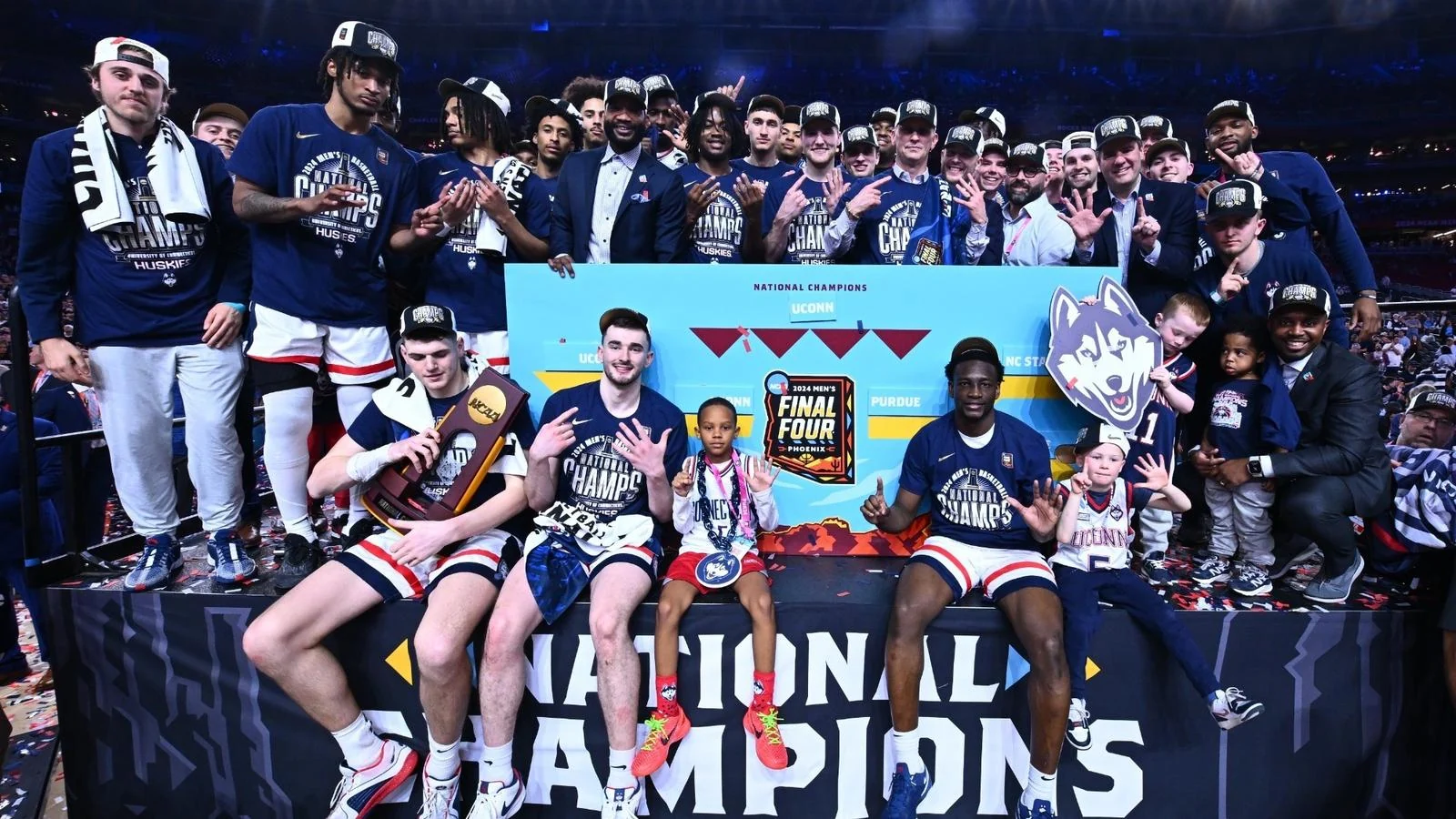
What the March Madness Live app is designed to cover
NCAA March Madness Live is the official app for following and watching the Division I men's basketball championship. It brings tournament video, scores, an official bracket and alerts into one destination. Downloading it is a useful first step, but it does not automatically establish permission to watch every feed on every device.
The name causes two common misunderstandings. It is not a season-long subscription containing every men's college basketball game, and the presence of women's bracket games does not mean the men's streaming rights apply to the women's tournament. If your question concerns a November conference matchup, start with that game's broadcaster. If it concerns women's live video, check the women's event's official viewing instructions separately.
The app's value is clearest during the men's tournament's overlapping windows. You can follow more than one result, locate the next matchup and use the available viewing tools to stay with a primary game. During later rounds, fewer simultaneous games make one stable full-game feed more important than rapid switching. Knowing which task you want the app to perform helps you choose a device and test the right feature.
As checked on October 1, 2026, the app-store description still describes the completed 2026 tournament. Its features include tournament video, highlights, score notifications and bracket activities, but a listed feature is not a guarantee that every device supports it identically. The same listing restricts live games and video to the United States, its territories and Bermuda. Traveling fans should check the official geographic conditions before relying on the app.
For 2027, keep the calendar and the app release separate. The tournament schedule guide explains the progression of rounds. App capabilities, access conditions and game-specific feeds need their own current confirmation nearer the event. An old instruction mentioning last March's game count or preview arrangement should not be copied into a new tournament plan.
Whether you hope to watch UConn, Michigan or a first-time qualifier, begin with the same question: is the particular game listed, and what does its watch screen require? A familiar team name, a bracket prediction or a working highlight clip does not answer that entitlement question.
Free download, free preview and TV login are different
The app-store word “Free” describes installation. It does not turn a paid television feed into an unlimited free broadcast. A bracket account, an app download and an eligible viewing subscription perform different jobs. You can successfully create a bracket or play a highlight while still lacking authorization for the game you want.
Read the preview conditions before relying on them
If the current watch screen offers a preview, read its conditions there. Check the duration, the devices and feeds covered, and what happens when it ends. This guide does not promise a fixed number of free hours for 2027 because that tournament's preview terms have not been confirmed here. An older article or a fan comment about a previous March is an unreliable basis for planning a full afternoon.
A preview is best treated as a chance to check playback, rather than a substitute for a complete viewing route. College basketball's final minutes can stretch through timeouts, reviews, fouls and overtime. You do not want access to expire while Michigan and UConn, or any other pair, are trading late possessions. Establish your authorized full-game option before settling into the broadcast.
Authenticate the subscription that includes the game
The official mobile support instructions tell viewers to choose Sign In from a live game's player or the settings page, select their TV provider and follow that provider's instructions. If the provider is not immediately visible, look through the full provider list. Use the credentials associated with the qualifying television subscription. A password for a bracket account is not interchangeable with that login.
Hulu supplies a concrete example: its official March Madness page confirms that Hulu + Live TV subscribers can use Hulu credentials in March Madness Live. That is a statement about the Live TV subscription. It should not be generalized to every Hulu library account or every unrelated streaming bundle. For any provider, verify the exact plan and channels that your household receives.
Authentication is also narrower than a promise that every feed works everywhere. Device support, geographic conditions and channel entitlement still matter. Complete the sign-in process on the actual device, select the intended game and confirm continuous video. Merely reaching a welcome screen establishes that an account was recognized, not that the selected broadcast is authorized.
If access is included in a subscription you already pay for, using it through the app may require no separate MML purchase. That is different from watching without any paid subscription. Keeping that distinction clear makes “free” claims easier to evaluate and prevents a pleasant test clip from becoming a surprise paywall at tipoff.
Set up the device you will actually use
Install the official app from the store for your supported device and confirm the developer and app name. Then check available updates before tournament week. An app remembered from a previous March may have a different interface, an expired sign-in or changed compatibility requirements. Setting it up early is particularly helpful if a family watch party depends on one television.
The official support pages list connected-device availability including Apple TV, Roku, Fire TV, Android TV and Xbox One. That is a starting point for checking your particular model and current store listing, rather than a promise about every smart television. Phone support, television support and browser access are separate questions. Do not assume that finding the app on one device establishes all three.
Test the big screen separately from your phone
Roku's MML instructions provide a useful concrete example. Open the app's settings, choose the TV-provider option, visit the official activation address on a phone or computer, and enter the code or scan the QR code displayed by the television. Select the provider and complete its login. After the success message, return to the TV and verify actual playback. Use the address supplied by the app rather than an advertisement in search results.
The same official instructions explain that a provider missing from the full Roku list does not currently support MML on that device. That is a device-and-provider limitation, not something solved by guessing another company's login. Check whether your qualifying provider's own app offers the game, or use another supported route that you are entitled to access.
AirPlay is explicitly supported by MML's help page. Even so, test the actual combination of phone, television and connection before the opening tip. Casting a highlight establishes much less than streaming a live game continuously. Confirm sound, picture stability and how to return to the live edge after a pause or accidental exit.
Multi-Game also deserves a practical test. The 2026 Apple listing describes watching several games simultaneously on supported Apple devices, with different layouts by device. Treat those features as version-specific. For a close finish, full-screen viewing can be more useful than shrinking four games into a mosaic: you can see spacing, substitutions and the shot clock clearly, then switch during a timeout.
Finally, test the remote controls you will need most: choosing a game, changing sound, opening playback controls and returning to a single feed. A working screen with an unfamiliar remote can still make you miss a late possession. The goal is a predictable way to stay with your team while other tournament games compete for attention.
Choose the right route for CBS and other tournament broadcasts
Begin with the network assigned to the game. In the completed 2026 men's tournament, CBS and TBS, TNT and truTV supplied different broadcasts. Paramount+'s official guide identified its CBS games, while HBO Max's official help page identified the games and studio coverage carried by TBS, TNT and truTV. Those were complementary routes, not two services each containing the whole tournament.
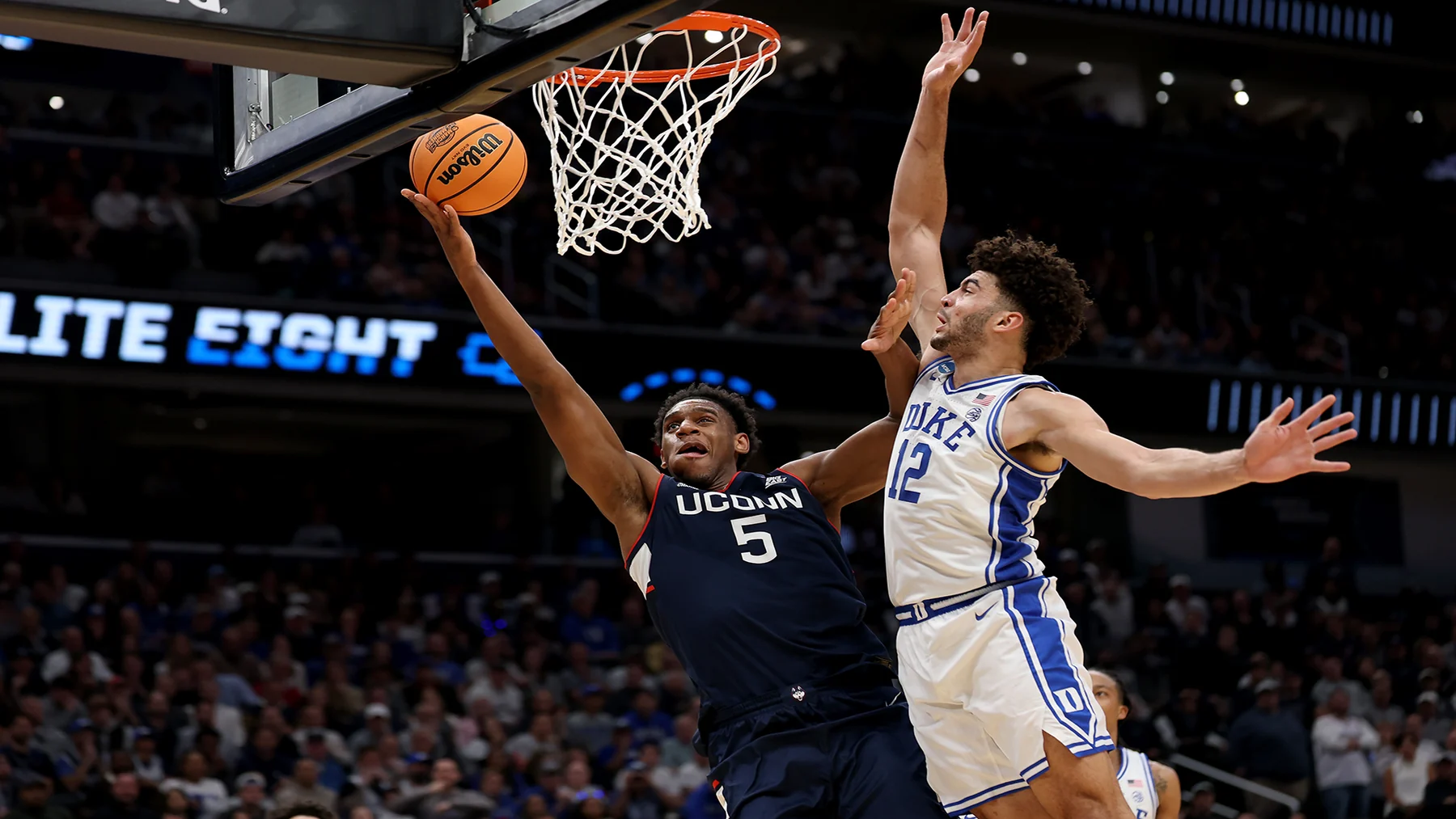
The distinction has a concrete example: Paramount+'s March 29, 2026 guide identified UConn versus Duke as a CBS Elite Eight game. A fan following UConn could not simply assume that every later UConn game would use that same network. Teams advance through a bracket; their viewing assignment must be checked for the new matchup.
Plan names matter inside the standalone apps. The opened 2026 Paramount+ guide specified Premium for CBS games. HBO Max's 2026 support guidance specified Standard or Premium and excluded Basic with Ads for those tournament games. These are dated examples of entitlement requirements, not a guarantee that 2027 offerings will retain identical names or conditions. Read the current official plan page before purchasing.
Also separate direct playback from TV-provider authentication. A standalone subscription that plays a game in its own app does not automatically function as a TV-provider login everywhere else. Use the route explicitly supported by that service and by MML's current provider list. The broad phrase “I have streaming” leaves too many unanswered questions.
For a CBS game, a digital antenna can be another option where the local broadcast is receivable. That is television reception, rather than free access to all MML feeds. Cable, satellite and live-TV streaming packages can also provide the assigned channels, with availability dependent on the actual package and location.
Use the TV schedule to identify the game's channel, then confirm it in the broadcaster's current listing. Keep one working authorized alternative in mind if your preferred app has trouble. The simplest plan is the one whose game, channel, subscription and device you have actually matched before tipoff.
Fix a login or playback problem before tipoff
Read the error before changing anything. An entitlement problem, an expired preview and a connection problem call for different responses. MML's official support distinguishes these categories, which is more useful than repeatedly reopening the same blocked stream. Keep a note of the game, device, app version and exact message if you need help.
When the app accepts a login but blocks the game
A recognized password shows that the account exists. It does not establish that the selected network belongs to the subscription. If the message says you need a specific network in your package, check that package with the provider. If the live-video pass expired, follow the app's TV-provider sign-in instructions. If the provider is absent from the device's list, use an officially supported route rather than treating the list as a typing error.
A location message is another category. Official MML guidance limits live video to its supported geographic area. Traveling outside that area can therefore change what is available even with a valid subscription. Check the broadcaster's legitimate viewing options for the country you are in. A successful login at home does not guarantee the same rights while traveling.
For account or password issues, the provider is the appropriate first contact. For an app-specific problem, use MML's official help destination. Explain what worked and what failed: a highlight playing while a live game is blocked suggests a different issue from all video failing. Useful observations reduce the number of unrelated fixes you have to try.
When video buffers, freezes or falls behind
Start with reversible steps: check the connection, close and reopen the app, and try a supported browser or device if available. Official MML guidance also recommends clearing browser cache for certain playback errors. On mobile, switching between a reliable Wi-Fi connection and cellular can help identify whether one connection is the problem; remember any data limits on your plan.
If only one feed fails while others work, report that detail rather than declaring the whole service down. If the app's scores stop refreshing, its support guidance recommends forcing a close and reload, with reinstalling as a later step. Preserve the login details you will need before removing an app.
Finally, a score notification can arrive before the same play appears in a delayed stream. MML's support acknowledges that connection conditions can affect synchronization. If you care about experiencing a close finish in order, mute score alerts and avoid another device's scoreboard. During the last foul-and-free-throw sequence, a stable authorized full-game feed is more valuable than an unverified promise to recover every second of delay.
Use the app well on a crowded tournament day
Choose your primary game before choosing your screen layout. If your team is playing, the full broadcast usually serves you better than a sequence of live look-ins. If you want the shape of the whole afternoon, the available multi-game tools and a coverage stream can be useful. The 2026 listing describes Fast Break as first- and second-round coverage with look-ins, highlights and commentary; that is a different experience from staying with every possession of one matchup.
Set alerts according to that purpose. An upset or close-game notification can help you discover an interesting finish elsewhere, but too many alerts can interrupt the game you most want to follow. Favorite-team notifications are useful for finding the right window. Disable score-related alerts when watching behind live so that a phone does not reveal a basket or final result before your screen does.
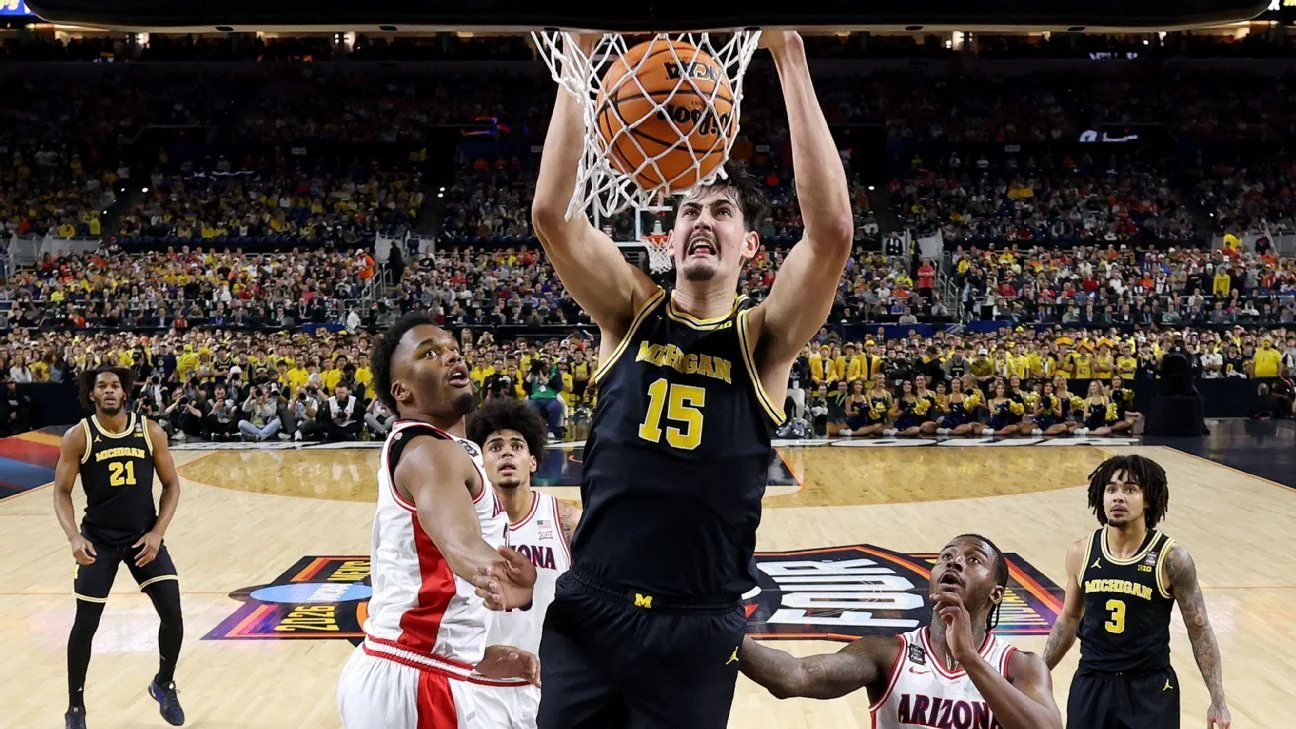
Build a short viewing note from today's game listings: matchup, displayed time zone, channel and tested viewing route. Convert the time once and label it in your calendar. Recheck the listing on game day, especially for a contest following another game at the same arena. A scheduled window is a planning aid; overtime and long stoppages can affect the practical rhythm of a doubleheader.
The 2027 tournament adds another reason to update old habits. NCAA guidance confirms a 76-team field beginning in 2027 and a 12-game Opening Round before the traditional 64-team First Round. A 2026 app description mentioning 67 games is therefore historical, not the correct framework for the new event. Check the new tournament's official schedule and app release before assuming last year's opening-week setup will carry over.
When several games tighten at once, switch during a natural stoppage and keep track of what you leave. Foul trouble, substitutions and time remaining can explain why a matchup is changing; a score alone cannot. Returning to a game without that context can make an ordinary rotation adjustment look like a sudden collapse.
Before the first tip, your useful checklist is short: the exact game is identified, access is authorized, the intended screen works, the time zone is clear and an official alternative is available if needed. That preparation leaves the app doing its best job—helping you follow the tournament—while you spend the final minutes watching basketball.
Sign in with Google to join the discussion.