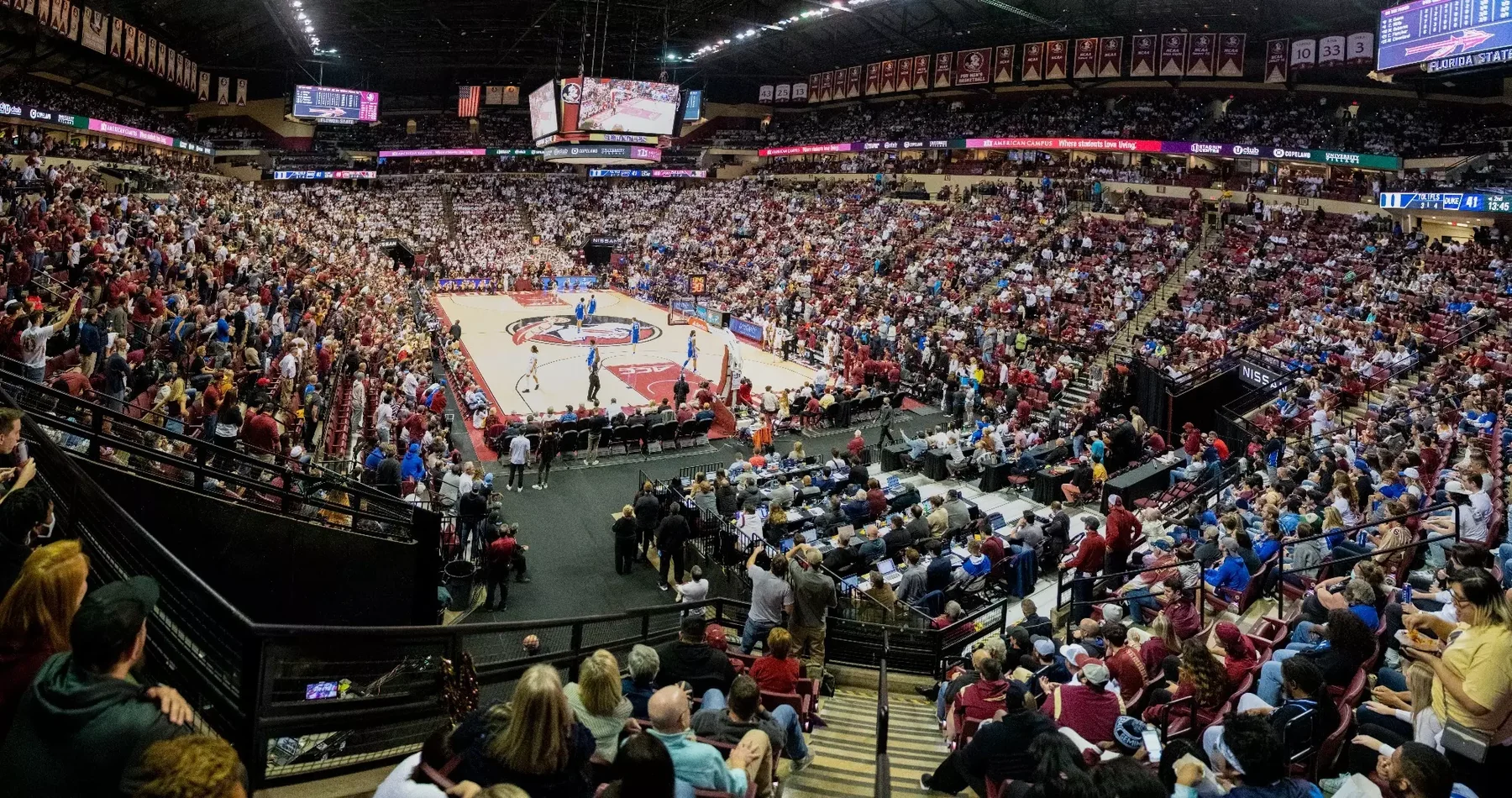
Find the exact game before choosing a streaming service
The reliable way to watch men's college basketball live is to identify the exact game and its assigned broadcaster before choosing a subscription. College basketball is distributed across national channels, conference networks and exclusive digital services. A package advertised with college hoops may cover many games while missing the one your team plays tonight.
Start with today's games and the TV schedule, then compare the entry with the school or broadcaster's official listing. Confirm both teams, the calendar date, season, venue and labeled time zone. A search result from the previous season, an exhibition or the women's team can look convincing while pointing to the wrong event.
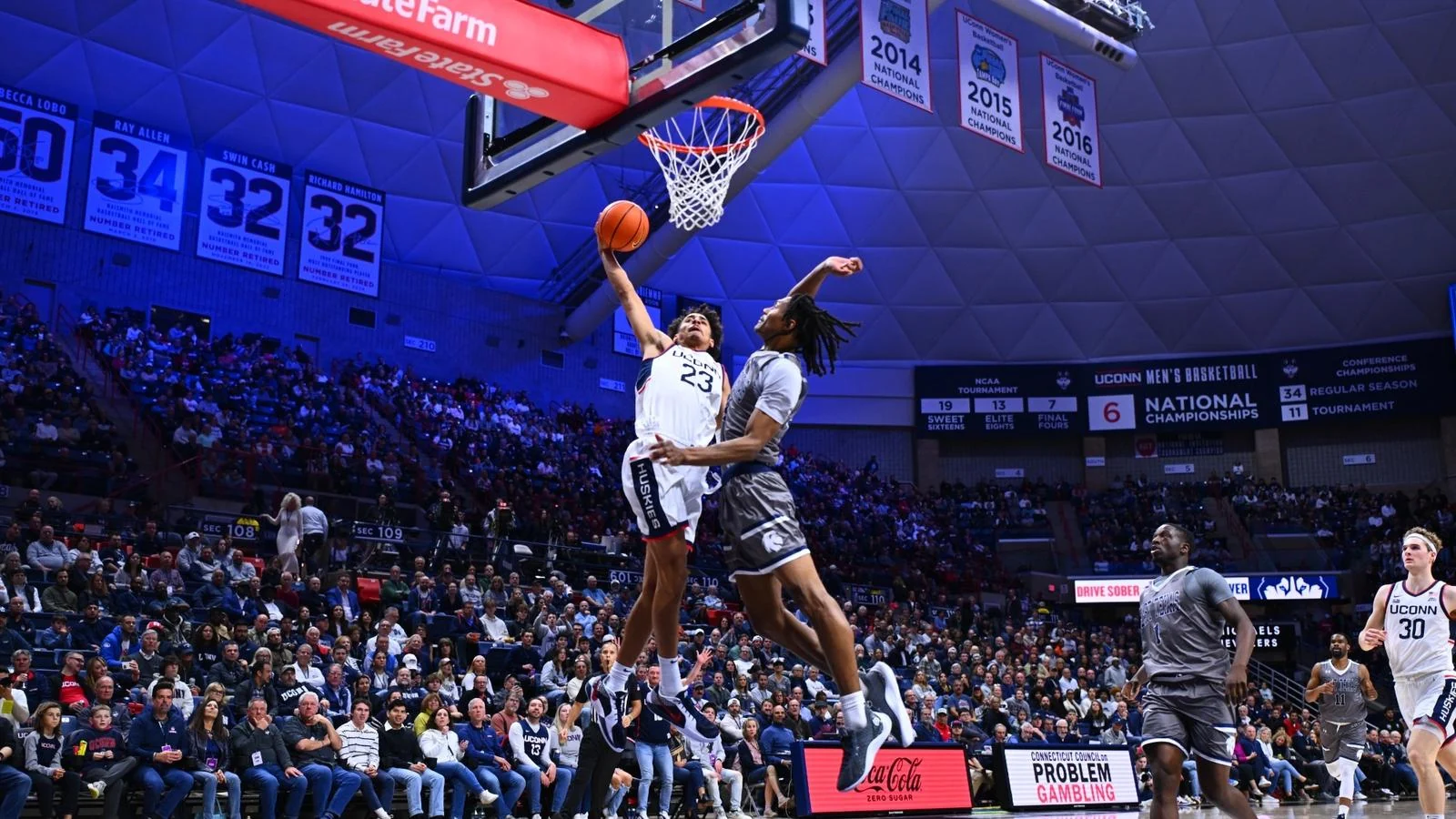
UConn's 2026–27 nonconference schedule illustrates why this matters. Its official schedule, checked October 1, lists the Michigan game with TNT, truTV and HBO Max, a Duke matchup with Amazon Prime, and a Virginia matchup with ESPN. One team can therefore require several viewing routes before conference play has even supplied its full broadcast picture. These are dated examples, and each listing should be rechecked nearer game day.
Also distinguish a released schedule from a completed broadcast assignment. UConn's September nonconference announcement explicitly said tip times, television information and some venue details would follow later. A date and opponent can be confirmed while the viewing route remains unresolved. “TBA” or “TBD” is an honest limit on what has been announced, not evidence that a game will be free or automatically appear in your favorite app.
Home, away and neutral-site labels add useful context. A nonconference road game or an independent neutral-site event can use a different rights arrangement from a team's usual home schedule. Following the visitor's conference alone can therefore send you to the wrong channel. The official event's own watch link is particularly useful for neutral-site tournaments and showcases.
Write down the broadcast label exactly as it appears. “ESPN,” an ESPN digital event, “Peacock” and a conference-network stream are not interchangeable. That short note is the foundation for checking a plan's entitlement. It also prevents buying a general sports subscription first and trying to infer afterward why the desired stream is missing.
If a listing is incomplete, save the game and return when the assignment is official. A good viewing plan accepts uncertainty early, then resolves it with the current schedule. It does not fill a missing channel with whichever logo happens to appear beside the search result.
Match the broadcast to the right kind of access
Once you have the broadcast label, ask what unlocks that particular feed. There are three common routes: a television package carrying the assigned channel, an eligible direct subscription, or an event-specific stream reached through the school. They can overlap, but overlap should be checked rather than assumed. A successful account login proves you have an account; it does not establish that every live event is included.
ESPN channels and digital events need the correct entitlement
ESPN's current plan names make this distinction especially important. Its official subscription FAQ, checked October 1, 2026, says ESPN Select contains ESPN+ content, while ESPN Unlimited includes ESPN+ and the ESPN networks and services. Consequently, an ESPN+ designation and an ESPN2 designation do not mean the same entitlement under the Select plan.
Read the event label before paying or upgrading. A game assigned to ESPN, ESPN2, ESPNU, ACC Network or SEC Network needs access that includes the relevant broadcast. Some eligible television packages also provide ESPN access that requires activation. Check your provider's account page and ESPN's activation instructions first, because purchasing a second subscription may duplicate something already included.
Keep the provider login and the streaming account connected to the entitlement clearly identified. If the app offers several sign-in paths, follow the instructions for your actual package. Test an included live feed on the device you intend to use, rather than judging access from a score page, trailer or replay. This is particularly helpful when an older ESPN+ subscription has become a Select subscription and the familiar app still displays events from several networks.
Conference rights can divide a team's season across services
A conference name is a clue to possible broadcasters, not a complete subscription recommendation. The BIG EAST's official announcement for its current rights cycle describes distribution across FOX Sports, NBC Sports and Peacock, TNT Sports and ESPN+. That cycle began in 2025–26. The announcement demonstrates why one league can send viewers to several outlets; its past-season game totals should not be treated as a new season's finalized schedule.
Distinguish a channel from its associated streaming brand. A FOX broadcast, an FS1 game and a Peacock event are different listings. Likewise, seeing a network in a service's general channel list does not confirm that an additional digital event is included. Open the actual game tile and check the package requirements, including any local conditions.
For a fan following one team, the practical question is which games your existing access covers and which specific gaps remain. For someone watching the whole league, those gaps may be larger. Neither viewer benefits from a confident “one service has everything” claim without checking the actual schedule.
A school stream can be the right option for a smaller matchup
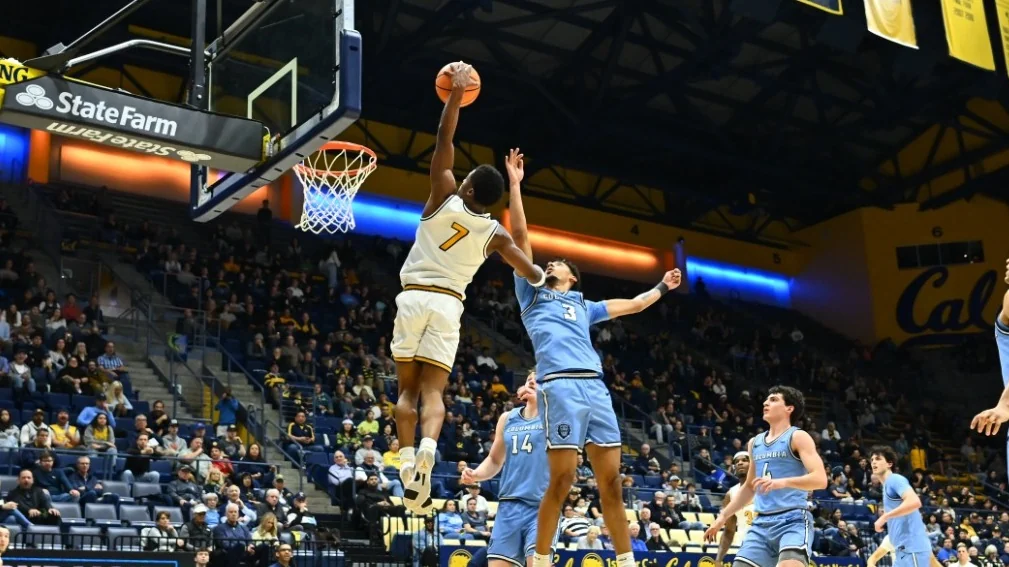
For a matchup absent from the national television grid, go directly to the school's game page. The watch link may lead to a conference partner, a subscription platform or a school video portal. Columbia's January 2026 Penn and Princeton preview, for example, supplied ESPN+ watch links alongside separate live-statistics links. This is a dated illustration of the method, not an assignment for the coming season.
Read the destination carefully. “Listen” is an audio feed; “Live Stats” is a scoring service; “Highlights” is edited video. None establishes that a full live video broadcast is available. A school portal can contain both free and subscription-required events, and a free account does not necessarily unlock all of them. Use the event's own description to decide what you are getting.
The school's route also helps an international viewer find any separately listed international broadcast. Do not assume a United States subscription works abroad. Start with the official game guidance for your location and use the authorized service it identifies.
Build a viewing plan around your team's actual schedule
A useful comparison starts with the games you care about, rather than the number of channels in an advertisement. Copy your team's next few weeks into a short checklist: opponent, date, broadcaster, existing access and any remaining requirement. Mark unresolved television assignments separately. That keeps uncertain games from becoming imaginary coverage in your calculation.
Next, decide how complete the plan needs to be. Watching every game, watching conference games, catching the biggest national matchups and following several bubble teams are different goals. Someone who mainly wants an occasional Saturday broadcast can make a different choice from an alumnus who wants every home opener, road trip and midweek conference game.
For a hypothetical four-game month, suppose your existing television package covers two games, one game needs a separate digital subscription, and one has no confirmed broadcaster yet. Buying a larger package that covers the same two games does little to close the gap. Investigate the third game's actual requirement and wait for the fourth assignment. This example is a planning exercise, not a claim about any particular team's current rights.
Compare each candidate using your exact location and plan. YouTube TV's official availability guidance, for instance, directs viewers to enter their home ZIP code to check the lineup and warns that networks can differ when traveling. Other providers have their own checks. A national channel advertisement is less useful than the lineup actually offered to your household.
Also compare the total commitment. Include any digital services needed for exclusive events, whether your existing television package already activates an app entitlement, and how recurring charges work. YouTube TV's billing guidance explains automatic billing at the start of each new cycle until cancellation. That is a reason to record the renewal date, not to assume every provider follows identical cancellation terms.
Check the devices and simultaneous viewing you actually need. Two people following different teams at the same time may need a different setup from one person watching on a single television. Before purchasing, confirm those rules in the chosen service's current documentation. Do not infer them from the number of devices on which its app can be installed.
Finally, revisit the checklist when assignments change. Early-season showcases, holiday events, conference play and postseason games can have different distribution. The current TV schedule is a working reference throughout the season. The strongest plan is one you can update after an official announcement, with clear coverage and clear gaps.
What legal free viewing really includes
“Free” can describe several different experiences: an officially offered live video, an over-the-air broadcast, a temporary trial, or a score page that costs nothing. Those are useful options when available, but they do not cover the same games. Establish whether you want the full live video, audio commentary or simply a way to follow the result before comparing them.
For a free video claim, look for the official school, conference or broadcaster linking directly to the event. Confirm the teams, date and that the presentation is live video. An account-registration page, a promotional clip or an old full-game upload does not establish access to tonight's broadcast. When no authorized free video is offered, the school's audio and live-statistics links can still provide a useful way to follow the game.
Ordinary YouTube and YouTube TV are different services
A search for “college basketball live stream free YouTube” can mix legitimate highlights, watch-along commentary, old games and paid-service results. Ordinary YouTube is a video platform; the existence of basketball videos there says nothing about the live rights for your selected game. If a school or rights holder offers an official live broadcast there, follow its own link and check the event description.
YouTube TV is a paid live-television service. YouTube Premium is another paid product, with benefits for the YouTube experience. Google's official explanation of the two memberships separates them. A Premium subscription therefore should not be used as evidence that your account includes YouTube TV's sports channels.
A “live” video can also be commentary over a scoreboard instead of the game broadcast. Look at what the video actually offers before settling in. For a complete game, the question remains whether the uploader is the authorized outlet for that event, not whether the title contains the right teams and the word “free.”
Antennas and trial offers have specific limits
An antenna can be useful when a game is carried by a local over-the-air television station you can receive. It is a route to that station's broadcast, rather than a route to every cable channel or exclusive app event. First check the game's actual broadcast assignment, then verify reception at home. Equipment may involve an upfront cost even when the broadcast itself requires no monthly subscription.
Reception depends on your location and setup. Sling's antenna guidance explains how tower direction and obstructions affect the signal. Test the station before the game rather than assuming an advertised antenna range guarantees reception from your seat on the couch.
A trial can cover an included game during its active period, subject to eligibility and the chosen package. YouTube TV's current trial guidance says lengths vary and the account converts to paid membership afterward. It also distinguishes add-on trial billing. Check the offer shown to your account, the exact channels included and the renewal date; an old seven-day or ten-day advertisement is not a current guarantee.
Use a trial to test the device, channel and viewing experience as well as to watch the event. If the desired game is absent from the selected plan, the trial does not solve that gap. Record the cancellation conditions at signup so your decision after the game is deliberate.
Make the live feed work when the game starts
Test the complete viewing setup before tipoff: the correct account, included channel or event, intended device and internet connection. A phone that plays a preview successfully does not establish that the television app has been signed in correctly. Open the actual event page early enough to resolve an activation prompt before the opening possession.
When the feed fails, identify the category of problem. A message saying the package does not include the event calls for an entitlement check. Repeatedly restarting the router cannot add a missing channel. If an included event starts but freezes, the app, device or connection is the more useful place to investigate. Save the exact error message so support can understand what happened.
Use the service's own troubleshooting sequence. YouTube TV's guidance begins with location settings and also covers app updates, device restarts and connection checks. ESPN's support guidance recommends refreshing or reopening the browser, reducing competing application activity and contacting support if the problem persists. These steps are useful after you have established access to the selected game.
For buffering, try a supported alternative device or a lower video-quality setting where the service provides one. Compare another included stream to determine whether the problem affects one event or the whole setup. If several services also struggle on that connection, the local network deserves attention. If only the one feed fails, report that detail to the relevant service rather than changing subscriptions immediately.
Streaming can also trail the action shown by a live scoreboard or another viewer's television. YouTube TV explains that its lower-delay option reduces buffering room and can increase playback interruptions. Choose the balance that suits your connection. There is no reason to promise that any stream will match every score app or social feed second for second.
Recording and alerts change how you experience a game
If you will arrive late, check recording options before the game starts. YouTube TV's recording instructions allow a team or event to be added to the library. They also warn that adding a program already in progress starts the recording at that point. Setting it up after halftime may therefore leave you without the opening half.
Look carefully at the playback choice when opening a game. “Start from beginning,” “resume” and “live” produce different experiences. A replay tile may also sit beside a live event with the same teams. Check the date and playback position before concluding that a score discrepancy means the broadcast is broken.
DVR features do not unlock games outside the subscription or overcome every event restriction. Verify that the intended airing is eligible and actually scheduled to record. If you follow several teams, review their upcoming entries rather than assuming a generic college-basketball search has saved all of them.
For a delayed viewing session, disable final-score notifications and avoid opening a live results feed. For live viewing, a tipoff reminder can be useful without inviting every scoring alert onto your screen. Keep the game's official audio or statistics link available as a fallback, then return to the video when access or playback is resolved. These small preparations make a fragmented regular season much easier to follow.
Sign in with Google to join the discussion.