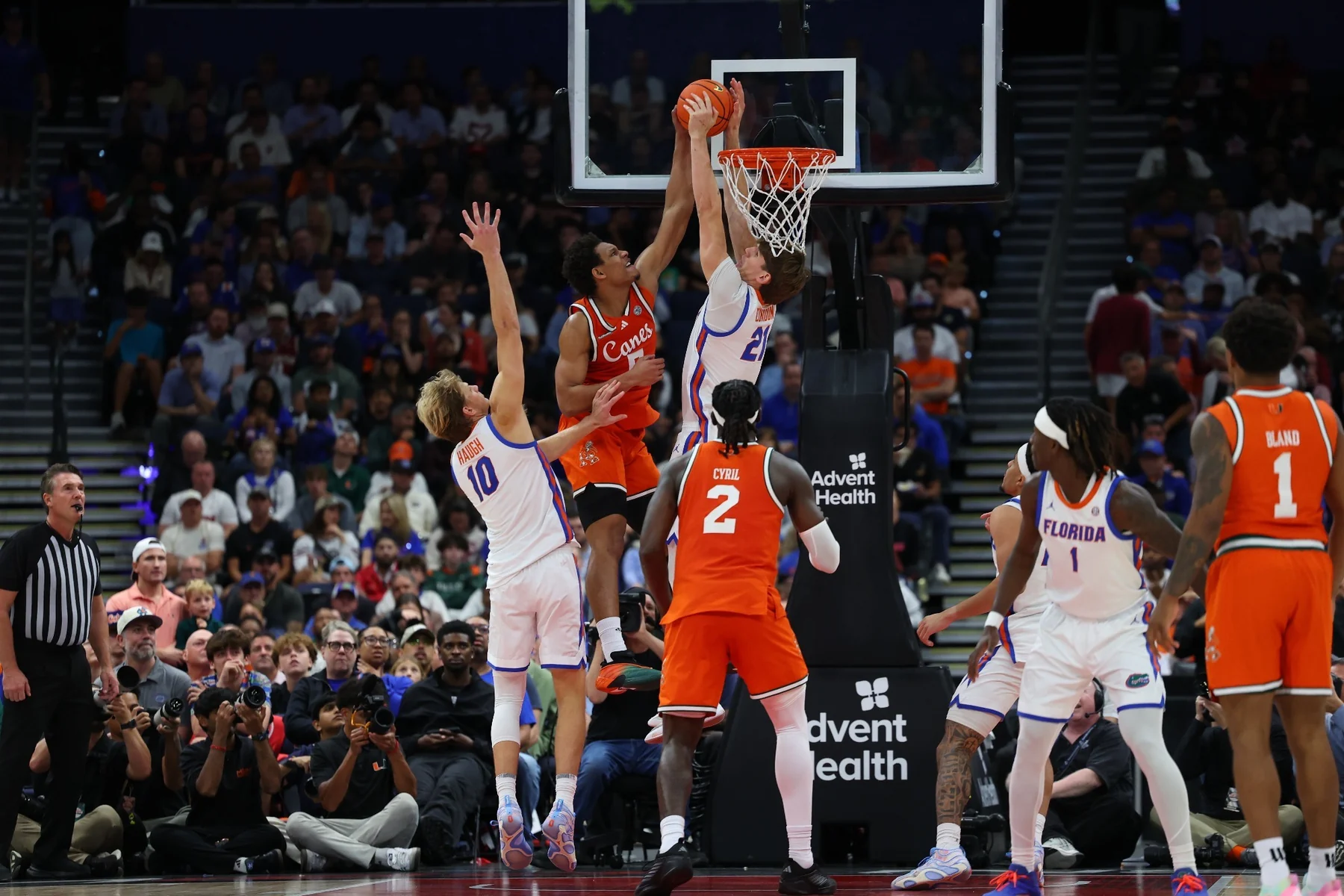
The quickest way to watch an ESPN2 game
If a men’s college basketball game is listed on ESPN2, open the ESPN2 channel in a live-TV service that carries it, or open the matching ESPN2 event with an eligible ESPN account. The main YouTube TV plan and its Sports Plan give you a route in YouTube TV. Hulu + Live TV carries ESPN2 in Hulu’s live lineup. ESPN Unlimited includes ESPN2 in the ESPN app. Start with the service you already pay for and check the channel while there is still time before tip.
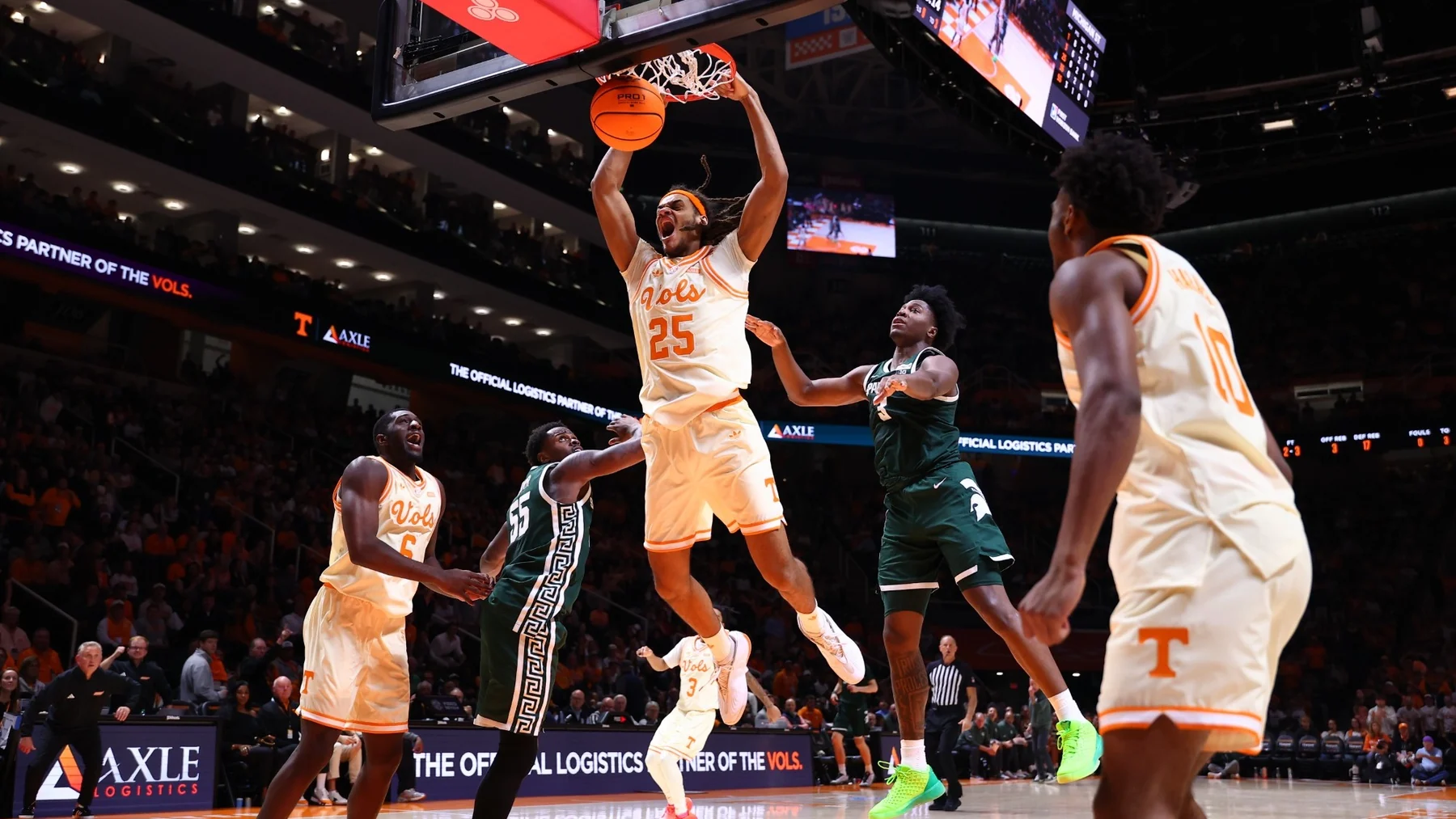
Tennessee’s November 17 game against Michigan State is a useful example. Tennessee listed the game at 9 p.m. Eastern on ESPN2 and linked to ESPN for streaming. All of those details describe the same broadcast. The school’s link gets you to the event page, where ESPN checks playback access. The ESPN2 channel in an eligible live-TV service gets you to the scheduled channel feed. The two routes require different sign-ins even though they lead to the same game.
- YouTube TV. Open Live and look for ESPN2 or search the two team names in YouTube TV. Select the game for the scheduled date and time. Your Google account should be the one with the eligible YouTube TV membership.
- Hulu + Live TV. Open Hulu’s Live guide and select ESPN2. If you already use that guide for other channels, start there and avoid a second app setup before the game.
- ESPN Unlimited. Open the ESPN app with the account that holds your eligible subscription. Use the live event tile that names the teams and carries the ESPN2 label.
The ESPN2 college basketball schedule helps you confirm which games use the channel. A school or league can also post a Watch button that opens ESPN before the telecast begins. An upcoming tile is useful for identification, but a listing alone says nothing about which plan is attached to the account on your television. Verify both separately, especially when you are switching users or returning to a service you last used during football season.
Finding ESPN2 on YouTube TV
Start in the YouTube TV app with the Google account tied to your membership. YouTube’s main plan and Sports Plan are the obvious places to look. The company’s plan announcement includes its ESPN networks in Sports, and YouTube TV Help ties in-app ESPN Unlimited availability to having ESPN in the lineup. Open your own membership’s channel list as a final check, especially if you recently changed plans or are using a different Google account on the television.
Open the live channel with a plan that carries it
In YouTube TV, use Live to scan for ESPN2 and select the live game at its scheduled time. Network search is often faster. Enter ESPN2 in YouTube TV’s search or look up both teams. With the Michigan State–Tennessee example, the names and the November 17 date would identify the game. The ESPN2 label would tell you which linear feed to choose. If a live event offers several feeds, check the station labels for the commentary or presentation you want.
If ESPN2 appears in search and plays there, a custom guide may be hiding it from Live. Check your Live guide settings and add the network back if you want to see it each time. On a phone or computer, YouTube TV Help places the guide controls under Settings and Live guide. A blank row or an unfamiliar guide on a family television is a reason to compare the selected profile and guide before you spend time troubleshooting your subscription.
Activate ESPN access when your plan includes it
An eligible YouTube TV subscriber can watch within YouTube TV without linking an ESPN account. If you want to use a school’s Watch link and its ESPN app route, check the separate ESPN activation instructions. YouTube TV Help specifically directs the family manager to use their YouTube TV credentials for access in the standalone ESPN app. It also documents the mobile account-linking flow through Profile, Settings, Sports and Connect ESPN. Finish the prompts and sign in with the ESPN account you linked.
Test the app you plan to use on game night. If one device goes straight to the game in YouTube TV and the other is asking for an ESPN subscription, first check which app the second device opened. Switching to the working YouTube TV route is quicker than solving a separate account-linking issue while the teams are on the floor.
Watching on Hulu + Live TV
For Hulu viewers, the useful words on the account page are Live TV. With Hulu + Live TV active, sign in to Hulu on a supported device, open the Live guide and find ESPN2 at the scheduled time. For example, Tennessee’s official schedule puts its December 1 SEC/ACC Challenge game against Florida State on ESPN2 at 7 p.m. Eastern. The live channel or a game listing with that matchup and network are the entries to look for as the date approaches.
Which Hulu subscription includes the live channel?
Hulu sells services with similar names. Hulu + Live TV carries the linear ESPN2 feed in Hulu. A Hulu on-demand subscription gives access to the on-demand library and any content specifically included with that plan. A Disney+, Hulu and ESPN bundle assigns its sports access according to the named ESPN tier. If the bill or welcome email says only “Hulu,” look up the active plan on the account page before you infer anything about live channels. That check matters more than seeing both Hulu and ESPN tiles on the same television.
The Live TV plan also gives you a useful second route. Hulu’s current product page confirms ESPN Unlimited access through the ESPN app. ESPN’s provider instructions say eligible Hulu + Live TV subscribers can sign in to ESPN with their MyDisney login and get the included entitlement directly. You may see ESPN Select named in the Hulu plan description for bundled content. The account’s Live TV status is what gives you the additional ESPN app entitlement described by Hulu and ESPN. Use the MyDisney identity associated with the Hulu + Live TV subscription, especially if the same household has another Disney login.
The Hulu Live guide is often the simplest route for a game already on ESPN2. Use the ESPN app when an official game page takes you there or you want to start from an ESPN event listing. Test the route on the screen you intend to use. Hulu Live TV has supported-device and location requirements, and the details can differ between a living room and a portable device. If the guide is available and another live channel opens, then the next checks are the ESPN2 row and the correct date. If Live is missing altogether, start with the account plan and device.
Watching with ESPN Unlimited
ESPN Unlimited is the direct ESPN subscription that includes the ESPN2 feed and ESPN+ events. Open the ESPN app or ESPN.com with the MyDisney account used for the subscription, navigate to live basketball and match the event tile to your game. This route makes sense when ESPN is where you expect to watch and your existing plan already includes Unlimited. Check the account page for that label before you go through a purchase screen.
Reading ESPN2 and ESPN+ correctly
ESPN2 identifies a linear channel with scheduled programming. ESPN+ identifies a library of streaming events and other content. ESPN Select provides ESPN+ content. ESPN Unlimited adds channels such as ESPN2 as well. You can see the same ESPN brand on both tiles even though the playback requirements differ. For a real comparison, George Mason put its November 2 home opener against UMBC on ESPN+. Tennessee’s November 17 game against Michigan State was ESPN2. Looking up both games in the ESPN app would show you why the network designation is the useful part of the listing.
The distinction also applies to Disney+, Hulu and ESPN bundle names. A bundle whose label includes ESPN Select provides ESPN+ content. A bundle with ESPN Unlimited also provides ESPN2 through that tier. ESPN’s bundle support page spells out the tier names and prompts subscribers to activate additional accounts as appropriate. After activation, use the login associated with the bundle. If a different email is already signed in to ESPN, switch accounts and verify the tier there before assuming the bundle failed.
Choosing between a direct plan and provider sign-in
There are two common credentials on the ESPN screen. A direct Unlimited subscriber signs in to the subscribed MyDisney account. A viewer whose participating TV package carries ESPN2 can use the TV Provider option to authenticate that package where supported. This uses the credentials issued by the provider. Some providers also include full ESPN Unlimited access through an activation step that connects the package to MyDisney. Your provider account tells you which route you have.
If you can already watch ESPN2 in your subscribed service’s guide, try its channel first. If you prefer the ESPN app, check the applicable linked entitlement before paying for another plan. An ESPN2 channel stream and the entire Unlimited catalog are two different things to verify. The first may already cover the game you came to watch.
How to verify the channel for a college basketball game
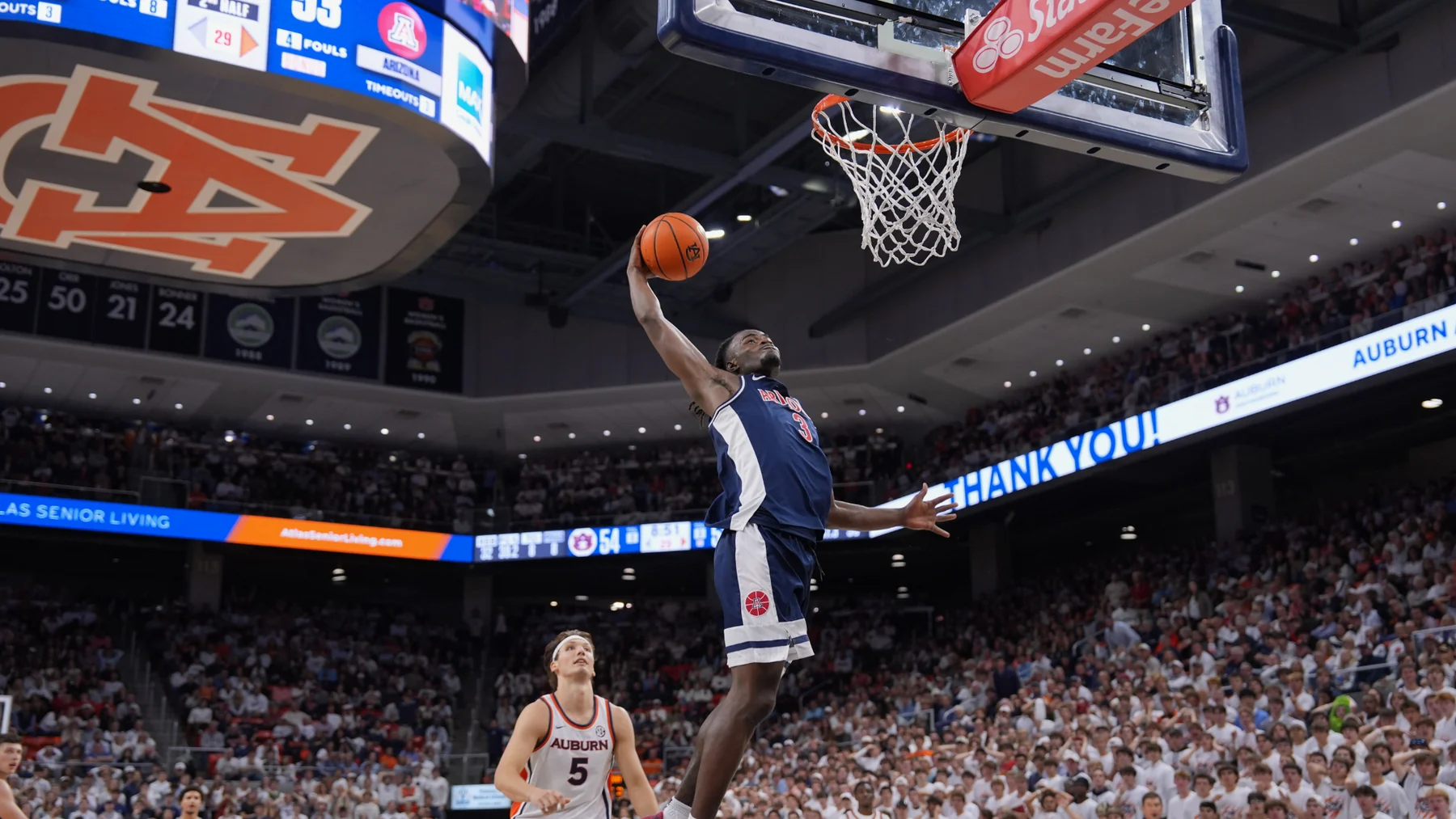
Start with the two team names and the date. Then look for the network in a school preview, tournament bracket or broadcaster release. The same team can be on several different services in a single week. Arizona listed Northern Arizona on ESPN+ on November 10, its game at Auburn on ESPN2 on November 13 and its UConn home game on FS1 on November 18. A saved ESPN2 shortcut would have been useful for the trip to Auburn. The next game required a different channel.
Time zones matter as much as network labels during holiday tournaments. The Maui Invitational bracket lists Colorado State against Arizona on November 23 on ESPN2 at 6:30 p.m. in Hawaiʻi. That is 11:30 p.m. Eastern and 9:30 p.m. in Tucson. If you search on a device using Eastern time and sort the guide by date, make sure you are looking at Monday night’s late window. An adjacent tournament game can land on the next calendar day in the East. Use the listed opponent to confirm you landed on the right tile. As the bracket develops, use the updated matchup rather than assuming that a television slot belongs to one school.
Doubleheaders add a separate trap. ESPN’s 2027 Big Monday announcement lists Louisville at North Carolina at 7 p.m. Eastern on February 8 on ESPN. TCU at Arizona follows at 9 p.m. Eastern on ESPN2. The series name identifies the programming block. Each listing still has its own channel. If you set a reminder for both games, save both event listings and check the network independently before each tip. For a schedule that advertises several possible networks for one game, save the date and identify the final channel closer to tipoff.
The today’s games page helps you check both team names and the start time. The college basketball TV schedule is useful when you need to compare games across networks. Finish in the live guide or the official event listing for the service you will use. A schedule helps you get to the right place. A working live feed confirms that the service, account and device can actually play it.
What to check if a listed game is locked
A locked tile tells you where to investigate. Read the message first. “Sign in,” “subscribe,” a blackout notice and a countdown point to different next steps. If you have a few minutes before tip, work from the broadcast listing to the account, and then to the device. That order gives you a chance to fix the simplest problem and get back to the game.
- Confirm the exact game and start time. Check both team names and the date, then return to the ESPN2 schedule. A replay, a different season’s meeting or an upcoming event can sit near the live search result. Look for the tile carrying the current matchup and its network.
- Test the channel where your subscription lives. If YouTube TV or Hulu + Live TV is your provider, try its ESPN2 row. If the channel plays there and the ESPN tile is still asking you to subscribe, check the separate login or activation in ESPN. On the ESPN app, a payment account, a MyDisney identity and a TV provider authentication can be different pieces of the setup. If you changed TV providers recently, verify which one the ESPN app still has linked.
- Read any location message literally. YouTube TV may ask you to confirm the current playback area when traveling. ESPN says a blackout message can reflect rights in your location and recommends checking local listings. Follow the app’s legitimate location-verification prompts and confirm your intended device is supported. If the same message persists, contact the service displaying it and give the game, date, device and exact error.
If a previous game is still on the screen at the listed tip, check the live event page for any announced temporary feed before changing your subscription. A close game can run past its scheduled window. On the February 8 example, Louisville–North Carolina and TCU–Arizona are scheduled on separate channels, so use ESPN2 for the later listing even if the 7 p.m. ESPN game is still finishing. For a pair of games sharing one channel, follow the broadcaster’s actual update if there is overlap. Start from the game listing again when the broadcast returns to its scheduled feed.
Once you have a working route, keep it open through tip. It is easier to switch the television to a channel you have already tested than to enter a new code, choose a provider and guess which account the TV has saved while the game is underway.
Sign in with Google to join the discussion.