
Where to find confirmed college basketball starters
Find the exact matchup, then look for the five names in a school announcement for that game or in the official box score once it starts. For a game in progress or a final, use the starter designation in the official game record. If you are checking before tipoff, look for a post or graphic that says the players are starting against that opponent on that date. If the five have yet to be announced, you can still make a sound projection from the latest game notes and previous box scores. Keep the projection labeled until better evidence arrives.
Start with the men’s college basketball games today page when you have a team but no game link. Pin down the opponent, date, scheduled tip time, and venue before moving to the school’s athletics site. Time matters when you are checking an early session from another time zone, and venue matters when a tournament’s scoreboard uses home and away labels. A team listed second may be the designated home team in a building it rarely visits. You can still find the correct game by matching both schools, the date, and the event.
Take Michigan State and Duke on November 10, 2026. Michigan State’s media center calls it the Champions Classic and files both teams’ notes alongside the final box. The official game book describes the matchup as Michigan State at Duke while listing the United Center in Chicago as the venue. The teams, date, and location identify the same game. Look for the Champions Classic row in the media center to get the notes or final box.
Once you reach the game entry, move from the schedule to the live stats or box score. A schedule can tell you that the game has started. A team roster can tell you that a player belongs to the program. To settle a conversation about the opening five, keep the link to the document or game page that actually identifies those five players. That link will still be useful after the school’s game-day posts have moved down your feed and the bracket or slate has advanced to its next matchup.
What you can verify before tipoff
Start on the program’s schedule, where the game entry often leads to a preview, printable notes, or live stats. Search the Division I men’s team directory if you are beginning with a nickname or an abbreviation. The useful pregame work is to see what the school is saying about this opponent and to know which questions will stay open until the first few possessions.
Read the school’s game notes
Open the notes for the upcoming game and look for the wording directly above the five names. The Illinois notes for the November 20, 2026, Eastern Illinois game label the group as projected from the previous game. That was useful because Illinois had just played Duke, so there was an identifiable set of starters behind the list. It also told you exactly how far the information reached. You could use the names for a pregame comparison of the two teams and return to the Illinois preview’s live stats link at tip.
Treat a school’s game-day graphic as an announcement when it actually says that a named five is starting against the current opponent. Read the date and the opponent on the post or the card. A team may put out a game-day graphic featuring five players without saying anything about who starts. The wording is the part you are checking. When a program only offers a season roster and the prior game’s starters, write down your expected group and keep the projected label attached to it.
Separate availability from a starting assignment
Check the conference’s availability report if it covers the game you are following. Under the SEC’s 2026–27 men’s basketball regulations, schools generally submit a report the night before a conference contest and update it by two hours before the scheduled start. The rules give a separate timetable for teams that played the previous day. A game-day designation of available means the player will dress and be available to play. The coach still has to decide when to use him.
That distinction matters when you are tracking a returning ballhandler or a frontcourt player. A guard can be cleared and enter with the second unit. A center can dress and play only if the matchup calls for his size. If a school announces a player is out, you can rule him out of your projection for that game. If the school says he is available, use that to update your pool of options and wait for a starter announcement or game record to establish his role.
How to read the starters in an official box score
Open the individual player table for each team. Some box scores use a GS column with an asterisk on each starter’s row. Some use a separate group or the word Starter next to the player. Read the label or legend for that page, then make sure you have five marked names for each school. A season statistics table with games and games started will tell you how often someone started across a set of games. To get the opening five on a particular night, you need that night’s player table.
Find the starter marker for both teams
Duke’s official November 10 Champions Classic box score makes the process easy to follow. Michigan State’s GS marks identify Jeremy Fears Jr., Jasiah Jervis, Coen Carr, Jordan Scott, and Anton Bonke. Duke’s marks identify John Blackwell, Patrick Ngongba II, Dame Sarr, Cayden Boozer, and Joaquim Boumtje Boumtje. The five marked rows in each table are the evidence. If you sort a box score by minutes or points, the top five rows can change while the players who actually started stay the same. See the official Duke box score.
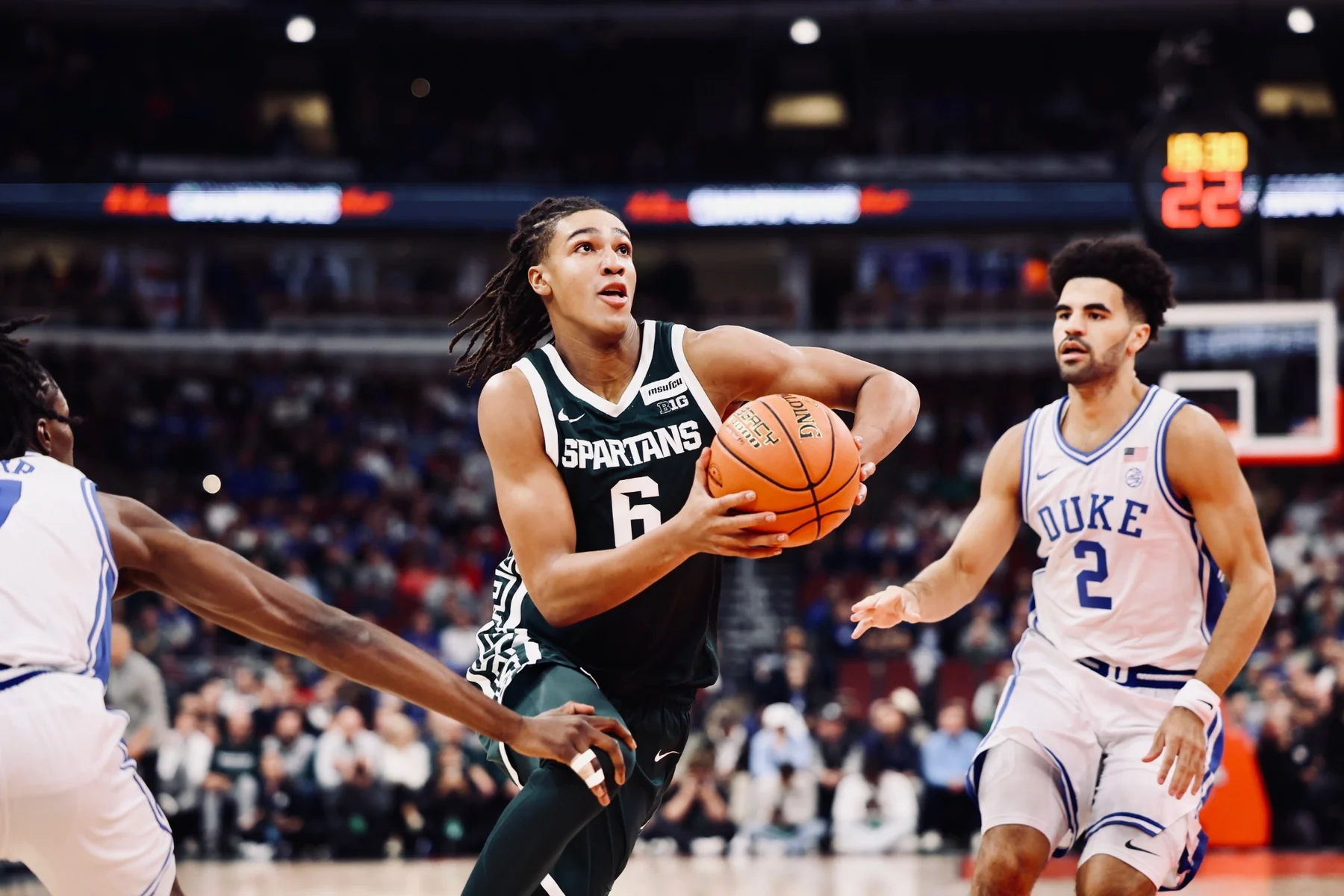
Check the player’s name and jersey number together if you are matching across pages. Team names can be abbreviated, and a suffix may appear on one page but disappear on another. For example, William & Mary’s November 20 official box labels its No. 7 John Roland, while the Averett at William & Mary game page shows him as John Roland Jr. Both mark the same William & Mary player as a starter. Check the opposing team’s table in the same record before treating the lookup as complete.
Use the game book when a score page is thin
The Averett game page shows the starter label directly. For a matchup that only shows the score or minutes, go back to the host’s schedule and open the full box score or the game book linked in the recap. If that link is missing, check the visitor’s athletics site. At a neutral event, either school may carry the document. Scan the first page for the opponent, date, and venue before reading the individual tables. If the box still leaves a name unclear, start the play-by-play at the opening tip and use the first substitution rows to check your interpretation. An incomplete play log can corroborate a marked lineup, but a first shot or assist can only place the players named in that event.
What to do when two lineup sources disagree
Put the two sources in order by date and separate what each one claims. A preview can accurately describe a projection that the game later overtakes. The official box can settle who started even when the reason for a change remains unclear. Start by checking the opponent and game date, then read the lineup label. If one page only lists the most recent starters, it may be describing the previous game exactly as intended.
Illinois gave fans a clear example before playing Eastern Illinois on November 20, 2026. The school’s preview projected Quentin Coleman and Lincoln Williams in the starting five based on the previous game. The official boxes from Illinois and Eastern Illinois instead mark Stefan Vaaks and Zavier Zens as starters. Ethan Brown, Tomislav Ivisic, and Andrej Stojakovic filled the other three spots in both the projection and the official record. The Illinois postgame notes confirm it was the first Illinois start for Vaaks and Zens. Those same notes say illness kept Coleman and Williams out that night. See the Illinois postgame notes.
That is how a useful correction should read. Give the actual opening group and say what changed from the preview. Use a school report for a reason when one has been published. If you are checking a similar case with no explanation from the team, report the start or absence as recorded and leave the reason open. The public evidence can settle one question while leaving the next one pending. Two sites showing the same box can also be using the same underlying game record, so a matching display adds less than a school note that directly addresses the change.
Before tip, a game-specific starting announcement carries more weight than a projection assembled from recent games. Check for an update from the announcing program if another credible listing differs. After the game, use the official starter markers and check the other school’s record or a corrected game book if one is linked. If the documents remain in conflict, say which one you relied on and when you checked it. That gives another fan enough information to follow the trail, especially when several games are underway and a live page may still be catching up.
Why the starting five and the rotation tell different stories
The opening five shows the personnel a coach chose for the start of this matchup. It gives you a useful place to begin if you want to see who handles the first possessions, how much size a team brings to the floor, or which players get a look at the opponent’s best scorer. Watch the first substitution wave to see how quickly that group changes and which responsibilities carry over. The rotation starts to make sense when you can tell who shares the floor and what the team asks each of them to do.
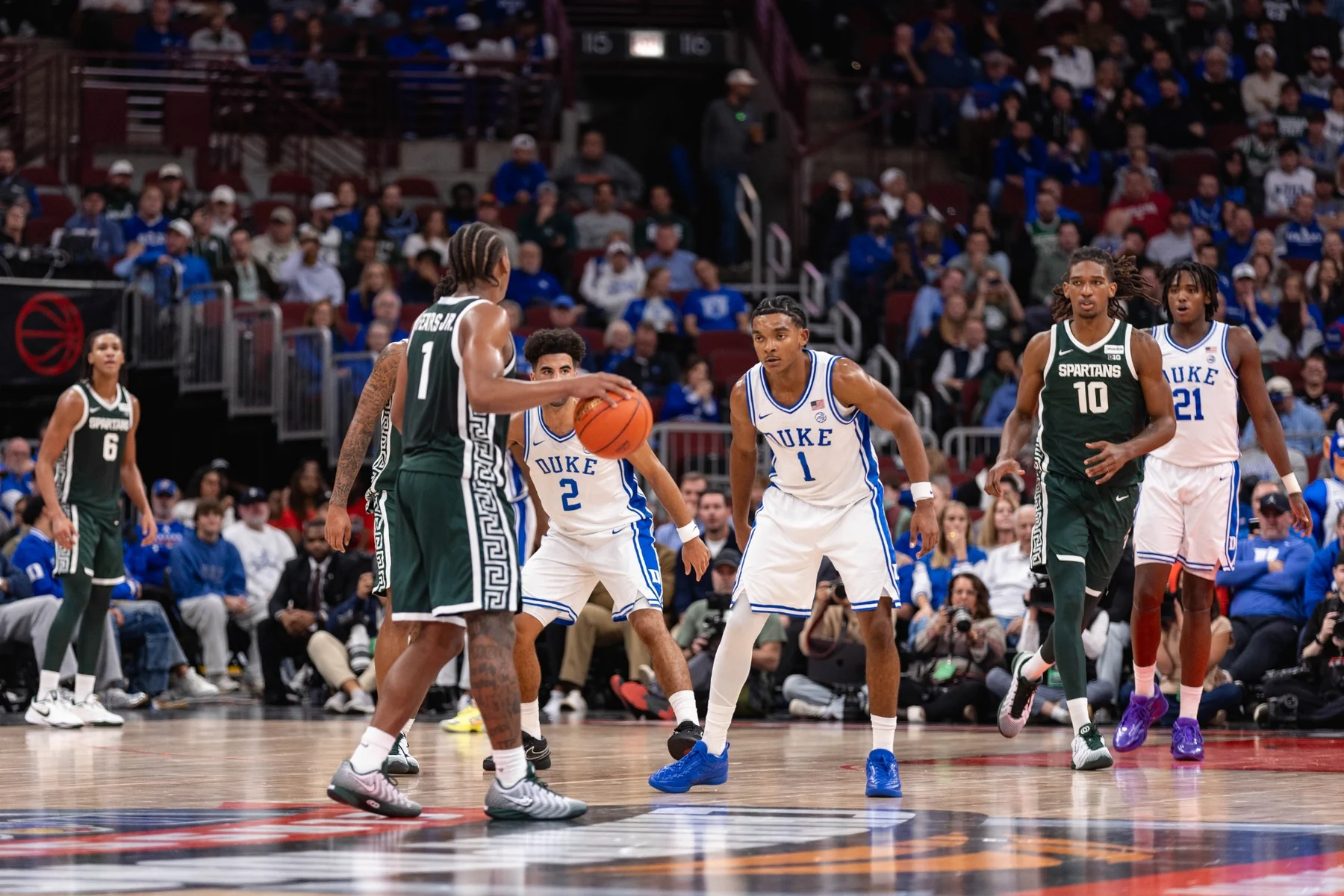
At the November 10 Champions Classic, Duke brought Caleb Foster off the bench. The official game book gives him 23 minutes and 52 seconds and four assists. He played more than two starters, Cayden Boozer and Joaquim Boumtje Boumtje. The play-by-play shows Foster replacing Dame Sarr with 15:07 left in the first half and assisting John Blackwell’s three with 13 seconds left in the game. The start column tells you how Duke opened. Foster’s minutes and two widely separated entries in the play log show that he was involved in both the first half and the late chase.
Use minutes and substitutions to test your read
Start with the minutes, then check the sequence of substitutions and the score when a player came in. Michigan State’s Cameron Ward checked in for Coen Carr at 15:34 of the first half and ended the game with 14 points and six rebounds in 20:19. The Spartans’ recap places his three-point play at 4:59 of the second half, when it extended their lead to 73–60. If you had stopped at the starting five, you would have missed a productive frontcourt stretch during a meaningful part of the game.
To identify a late lineup, start from a confirmed group and track every substitution through the possession you care about. Use the game clock and score to tell whether you are examining a team’s last meaningful half-court possession or a group assembled for deliberate fouling, free throws, and a final inbounds play. Some coaches switch players between offense and defense at dead balls, so the group can change even in the last minute. Keep the time of the possession in your notes. That lets you describe the specific assignment you actually saw and leaves room for the coach to use a different group in the next game.
A game-day checklist for following one matchup
Keep one link for the exact game and update the same set of notes as better evidence arrives. That is especially helpful when a search returns the same two programs in multiple seasons. Duke’s December 6, 2025, box score is from the Breslin Events Center in East Lansing, where the Blue Devils won 66–60. It marks Caleb Foster as a starter. The November 10, 2026, Champions Classic game page takes you to the Chicago box score, where Michigan State won 79–73 and Foster came off the bench. The venue, date, and official result give you a quick check before you draw any conclusion from either player table.
- Earlier in the day. Find the opponent, arena, and tip time. Open the school’s game entry and look for complete notes. If you need to estimate the starters, use the most recent game and any current availability information that applies. Record which team and game the projection represents, especially during a tournament with quick turnarounds.
- Close to tip. Look for the same school’s starting announcement and then do the same for its opponent. Read the text and timestamp. If the program publishes only an older starting group, keep that date on your notes. You can have one team’s announced five while the other team remains unconfirmed.
- Once play starts. Open the detailed live box score or game center and look for separate player tables. Verify the starter marker even if your earlier source was a school announcement. On another tab, keep the play-by-play available if you want to follow the first substitutes or resolve a missing marker.
- After the game. Begin with the men’s college basketball scores page if you lost your link. Use the final official box for the five players who started and the play log for later lineup questions. Save the game link alongside the date and the two teams so the record is easy to find later.
When someone asks about a player, include the game in the answer. “Foster started at Michigan State on December 6, 2025” is easy to check. A general statement about his role can send the next reader to the Chicago game and a perfectly valid box score with a different answer.
Sign in with Google to join the discussion.